


Week 1: Introduction to Accessible InDesign
- Accessibility basics and compliance frameworks
- WCAG requirements for documents
- Understanding InDesign’s role in accessible document workflows
Our Adobe InDesign accessibility training helps designers, communications teams, and content creators learn how to produce accessible documents and WCAG compliant PDFs directly from Adobe InDesign. This hands-on InDesign accessibility course teaches accessibility best practices at the design stage before documents are exported so accessibility is built in, not added later.
Whether you create reports, brochures, forms, or templates, this accessible documents training shows you how to structure content, manage reading order, apply alt text, and export PDFs that meet accessibility and compliance requirements. The course supports professionals responsible for InDesign PDF accessibility, accessibility compliance, and inclusive content delivery.
Have a question about your project? Reach our team directly by phone or email.
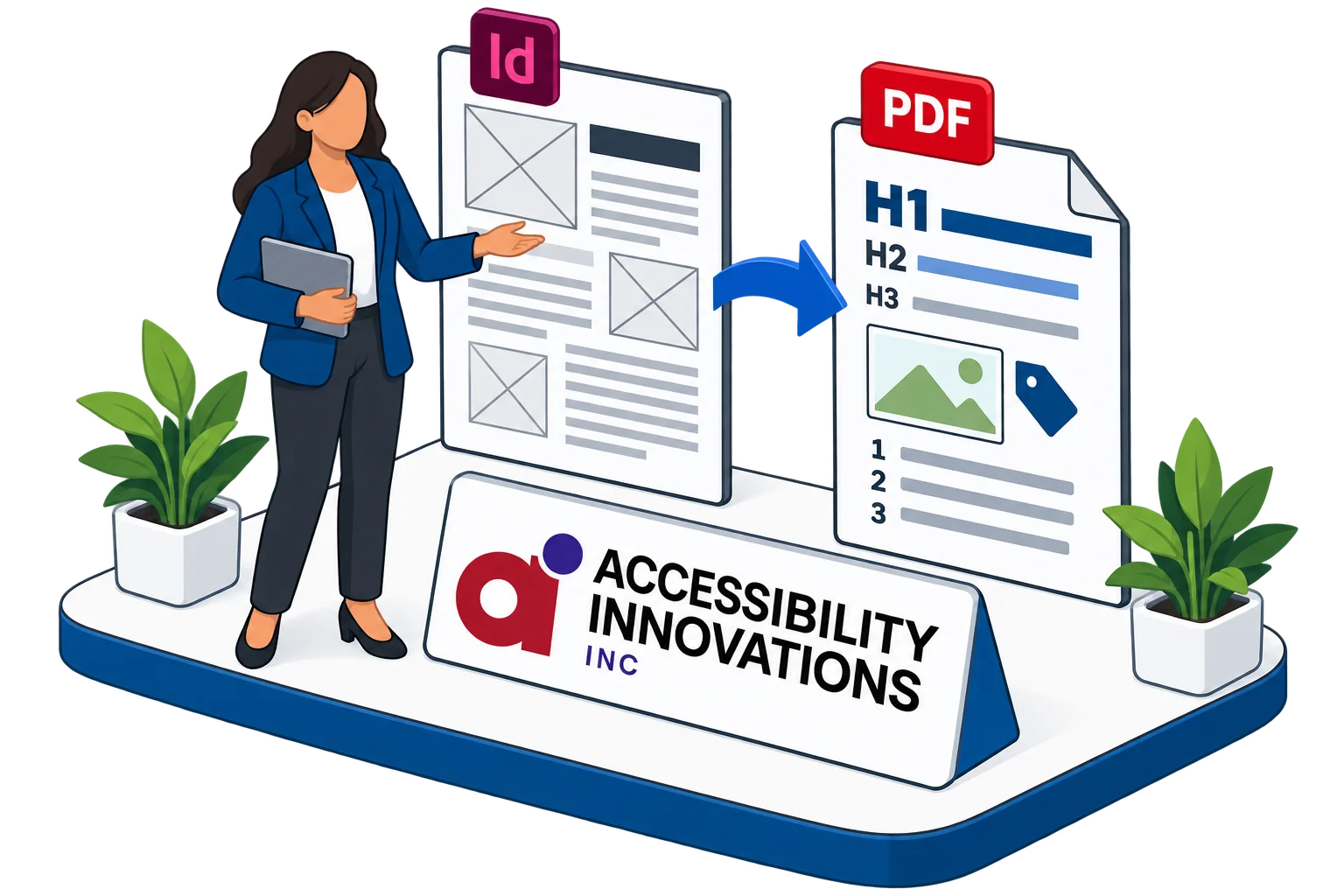
This Adobe InDesign accessibility training course teaches how to design and format documents in InDesign so they can be converted into fully accessible PDFs. Participants learn how accessibility works within InDesign, why it matters, and how accessible design choices directly impact screen reader users and other assistive technology users.
The course focuses on practical skills, not theory. You’ll learn how to:
Accessibility is increasingly required for public-facing documents, government communication, education, and regulated industries. This training ensures your documents are usable, inclusive, and compliant from the start.
This InDesign accessibility training is designed for both beginners and experienced professionals who create or manage documents.
Our Adobe InDesign accessibility training course is structured over four weeks and includes live instruction (or self-paced modules), hands-on assignments, and real-world use cases.
Yes. The course covers preparing documents in InDesign and exporting PDFs that meet accessibility requirements.
Yes. Participants receive sample files and templates to practice accessible document creation.
Absolutely. We offer group training options for teams and organizations.
Yes. Training can be customized and delivered virtually or on-site based on your needs.
The course aligns with WCAG and best practices for accessible PDF creation.
Yes. You’ll learn how to improve both new and existing InDesign files.
Designers, content creators, communications teams, and accessibility professionals.
Basic familiarity is helpful, but the course is suitable for beginners and advanced users.
Call, email, or book time with our team to plan your next step.